With Zukka integrated with the Apple Calendar, your glucose level can appear on Apple CarPlay - no complicated setup, no jailbreak, no hacks.
Why does it matter?
Safety comes first when you’re driving. Pulling out your phone, unlocking it, and checking your glucose level is a distraction you simply don’t need. Your car’s display exists for a reason - everything important should be right in front of you.
Apple CarPlay normally shows calendar events on the dashboard. Zukka uses this mechanism cleverly - instead of fighting system limitations, diabetes apps can place glucose data exactly where it belongs, legally and safely.
How does it work?
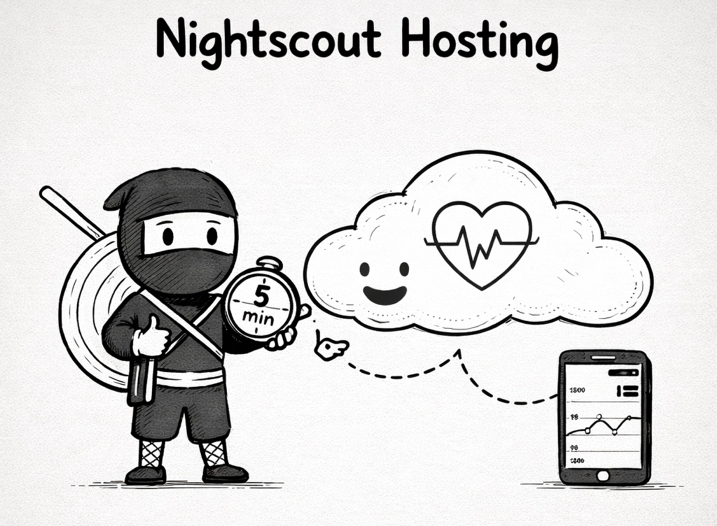
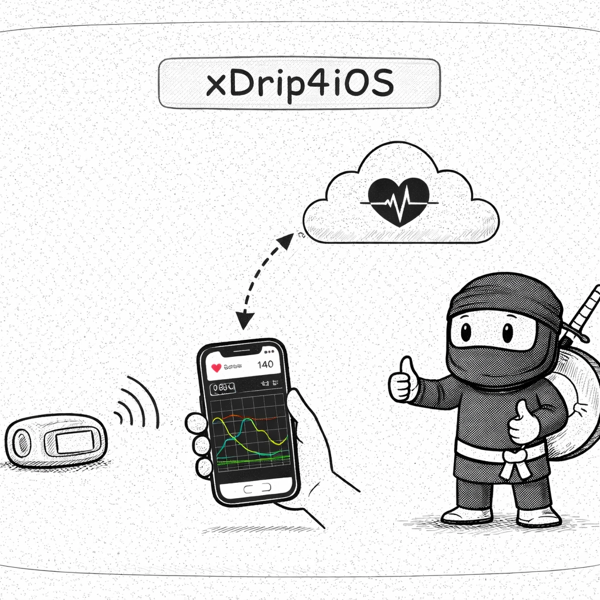
Zukka regularly pulls data from your Nightscout and saves the current glucose level as an iOS calendar event. Apple CarPlay automatically displays upcoming events - that’s how your glucose level shows up on your car screen.
You can find all the steps needed to set this up in Zukka and Apple Car at the links below