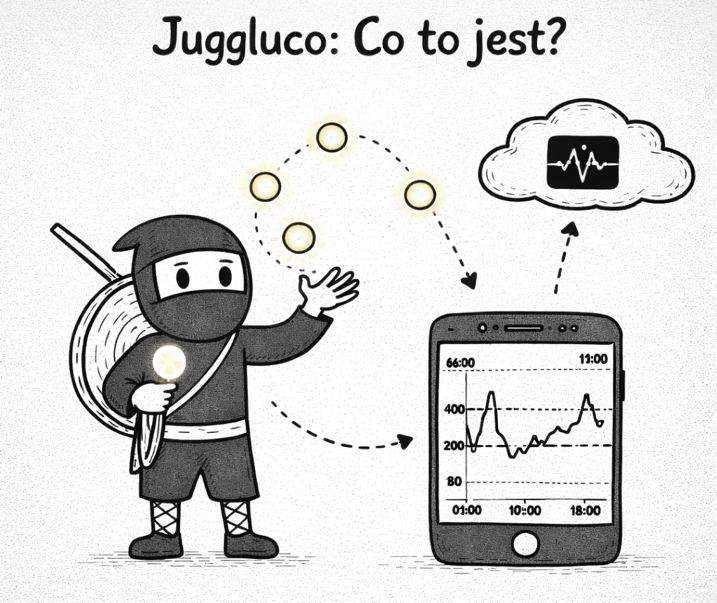
For years, iPhone users had it rough - to use xDrip4iOS they either had to build the app from source code themselves or get a TestFlight invite. That has changed. Zukka is the official, free version of xDrip4iOS available straight from the App Store - just tap "Download".
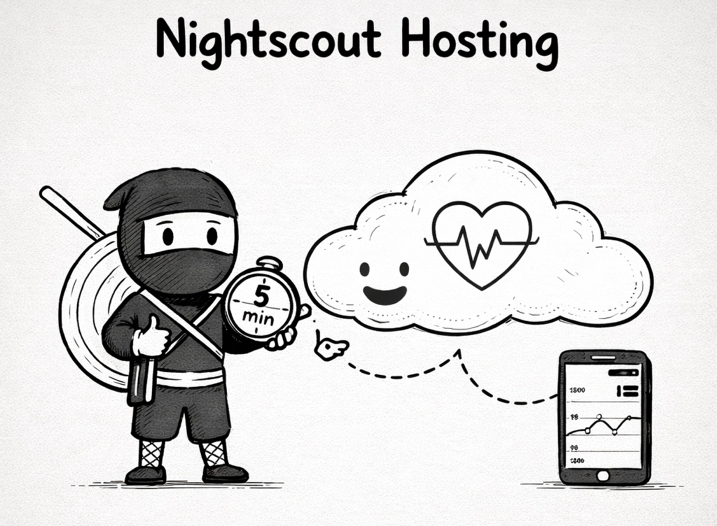
If you're an Android user running xDrip+, you've probably heard friends with iPhones say: "it doesn't work that easily for me". They were right. xDrip4iOS - the iOS counterpart to xDrip+ - was for a long time only available via TestFlight (with limited slots and invites) or required building the app yourself using Xcode and an Apple Developer account. For most people, that was a deal-breaker. And if you still don't know what Nightscout is, read https://diab.ninja/en/blog/czym-jest-nightscout-hosting/
What is Zukka?
Zukka is an iPhone (and Apple Watch) app created by Ihor Zhvanko, fully based on the open-source xDrip4iOS code. Simply put: it's the same xDrip4iOS, but available directly from the App Store - no invites, no building, no developer certificates.
The original xDrip4iOS developers were initially skeptical about this project (there was some controversy in the community). After discussions with the Zukka developer, an agreement was reached - and today the official xDrip4iOS documentation lists Zukka as one of the available installation options.
The app is free and will stay free.
What can Zukka do?
The feature set closely matches what we know from xDrip4iOS:
Real-time glucose tracking - Bluetooth connection with CGM sensors
Support for popular sensors: Dexcom G5, G6, G7, ONE, ONE+, Stelo, FreeStyle Libre 2 (EU), Libre 2 Plus and others
Support for Bluetooth bridges: MiaoMiao, BluCon, Bubble and other devices relaying sensor data
Insulin and activity tracking
Home screen widgets and Dynamic Island integration
Apple Watch app - glucose on your wrist
Apple Health integration
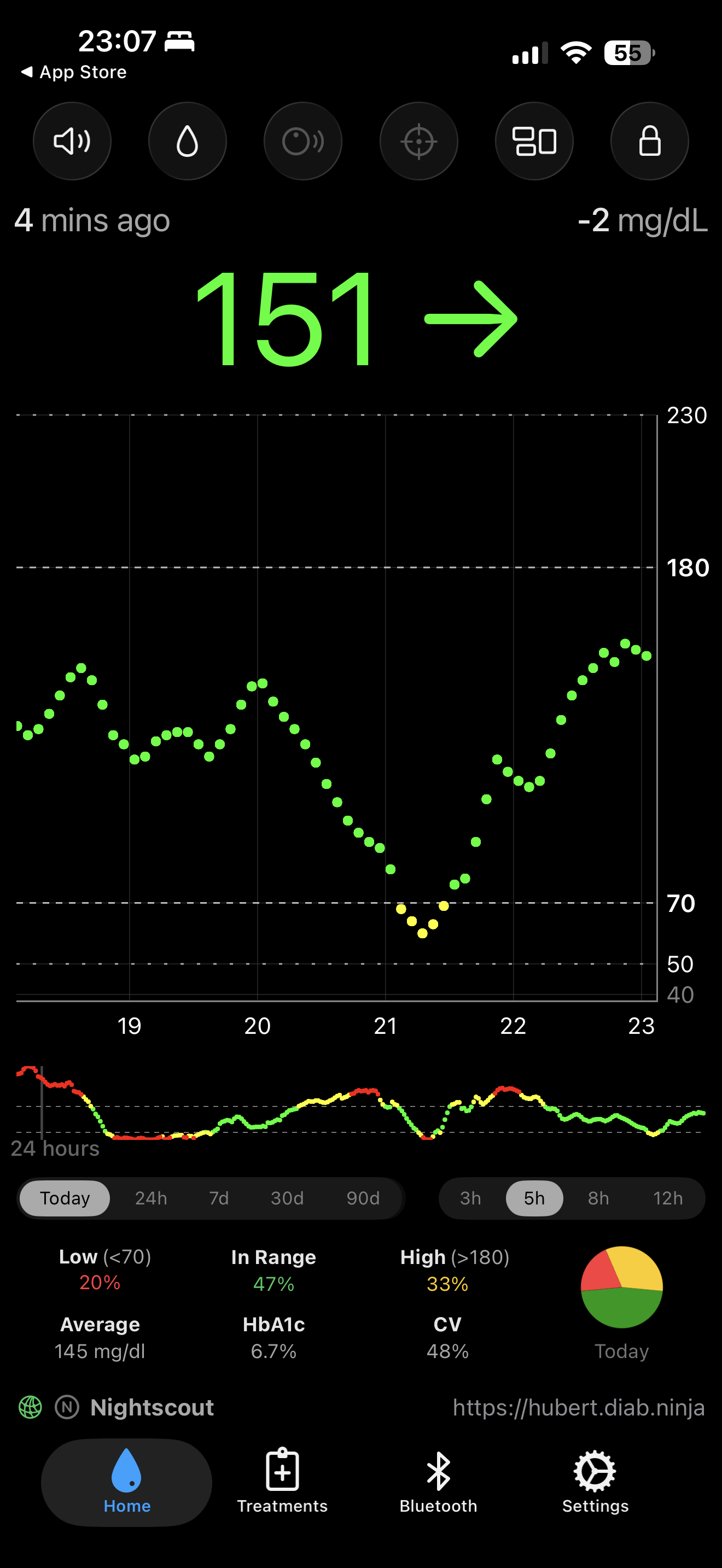
Nightscout - sending (and receiving, it can act as a follower!) data to the cloud (e.g. to your account at diab.ninja 😉)
Follower mode - remotely monitor a loved one's glucose (LibreLinkUp, Dexcom Share, Nightscout and more)
Alerts and notifications - fully customizable, with mute options
Statistics and charts - 90-day data, estimated HbA1c
How to install?
This might be the simplest xDrip4iOS installation ever:
Open the App Store on your iPhone
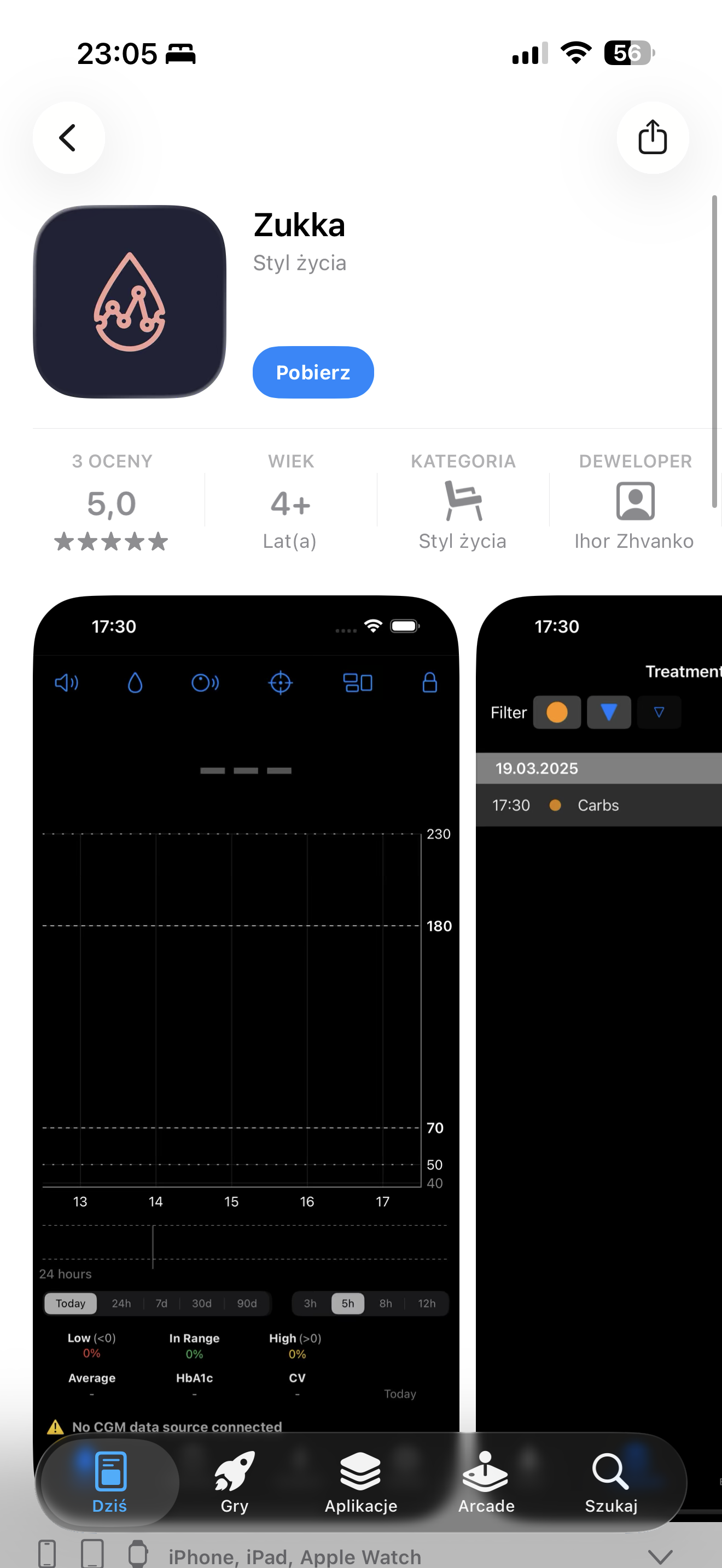
Search for Zukka or go directly to: apps.apple.com/pl/app/zukka/id6743448282
Tap Download
Done.
Requirements:
iPhone 7 or newer
iOS 16.2 or newer
Apple Watch Series 4 or newer (if you want to use the watch app, watchOS 10 is required)
Connecting to CGM
After installing the app, move on to configuring the sensor connection. The rule is simple: do not pair the sensor via iPhone Bluetooth settings - do it only inside the Zukka app.
In the Bluetooth tab, choose the device type (CGM or bridge), then select the specific model. For the most common sensors:
FreeStyle Libre 2 (European): Select Libre 2 from the list, and the app will prompt you to bring your phone close to the sensor and scan it via NFC - just like in the official LibreLink app. After scanning, wait a few minutes with the phone lying still. Don't open Netflix, don't play games - let the app establish the Bluetooth connection without interruptions.
Dexcom G6/G5: Enter the 6-digit Transmitter ID (e.g. 80H9W4), put the phone aside and wait for the connection. Once connected, the transmitter status will show as "Scanning" - that's normal, as the device communicates briefly every 5 minutes.
Read more about Dexcom here https://diab.ninja/en/blog/dexcom-g7-in-mylife-loop/
Dexcom G7 / ONE+ / Stelo: They work in "Read from Dexcom App" mode - the Dexcom app must run in parallel, and Zukka reads a copy of the data.
After connecting, values should appear within 10-15 minutes.
Nightscout + Zukka = a complete setup
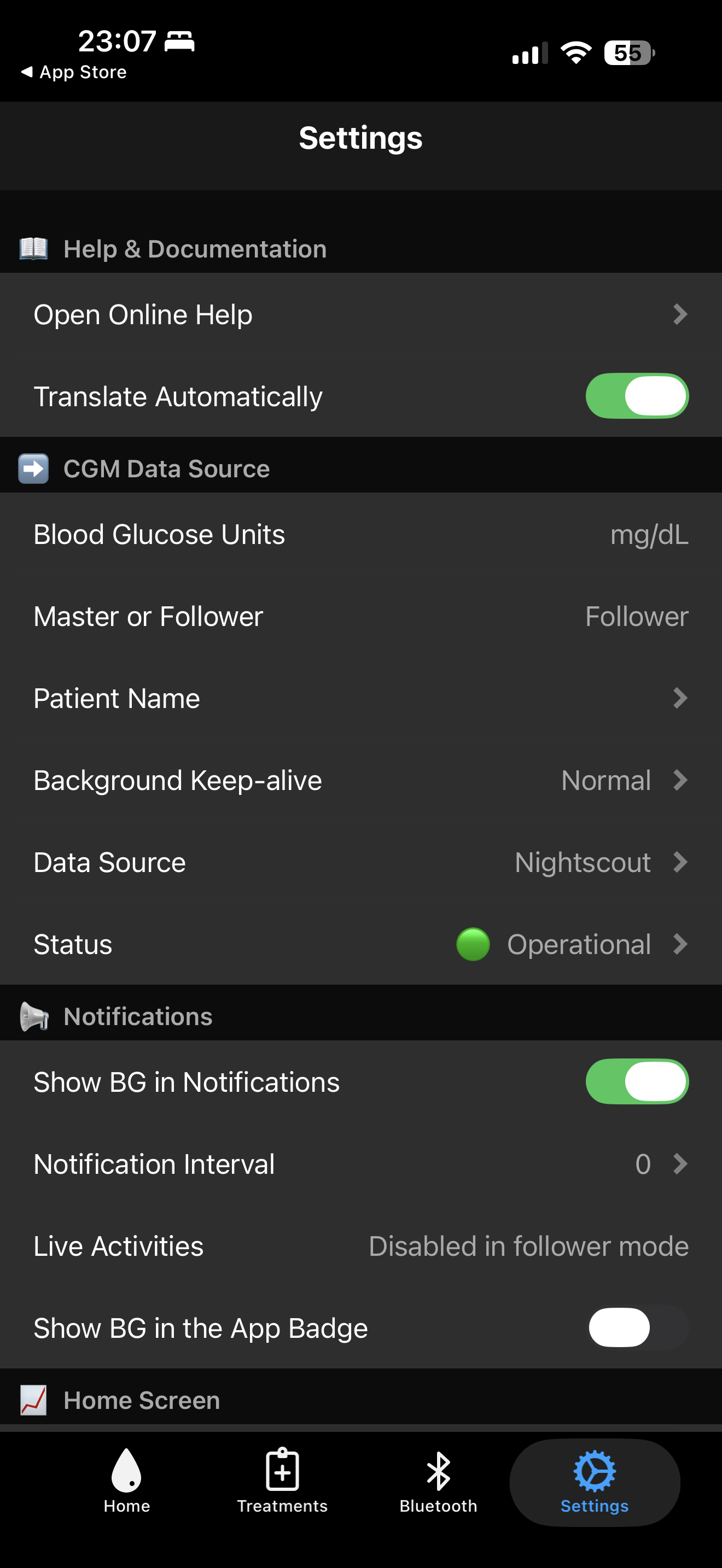
If you use Nightscout - for example, you have an account at diab.ninja - the sync setup is the same as in standard xDrip4iOS. In settings, enter your Nightscout URL and API token, and Zukka will start sending readings to the cloud. This lets you view glucose data on any device with a browser, and caregivers can monitor a loved one in real time.
Privacy
The developer states in the App Store that no data is collected by the app. All data stays on your device or is sent only to services you configure (Nightscout, Apple Health, etc.).
Is it worth it?
Absolutely - especially if you're an iPhone user who didn't want to deal with building apps from source. Zukka gives you full xDrip4iOS functionality in the simplest way possible. The app is actively developed, regularly updated, and backed by a strong community.
The one thing to keep in mind: if you plan to use Zukka as a CGM source for a closed loop (e.g. iAPS, Loop), that setup requires building the app yourself from the same developer account. For personal monitoring and sending data to Nightscout - Zukka works great.
📲 Download Zukka from the App Store: apps.apple.com/pl/app/zukka/id6743448282
📖 xDrip4iOS documentation: xdrip4ios.readthedocs.io
☁️ Nightscout hosting: diab.ninja